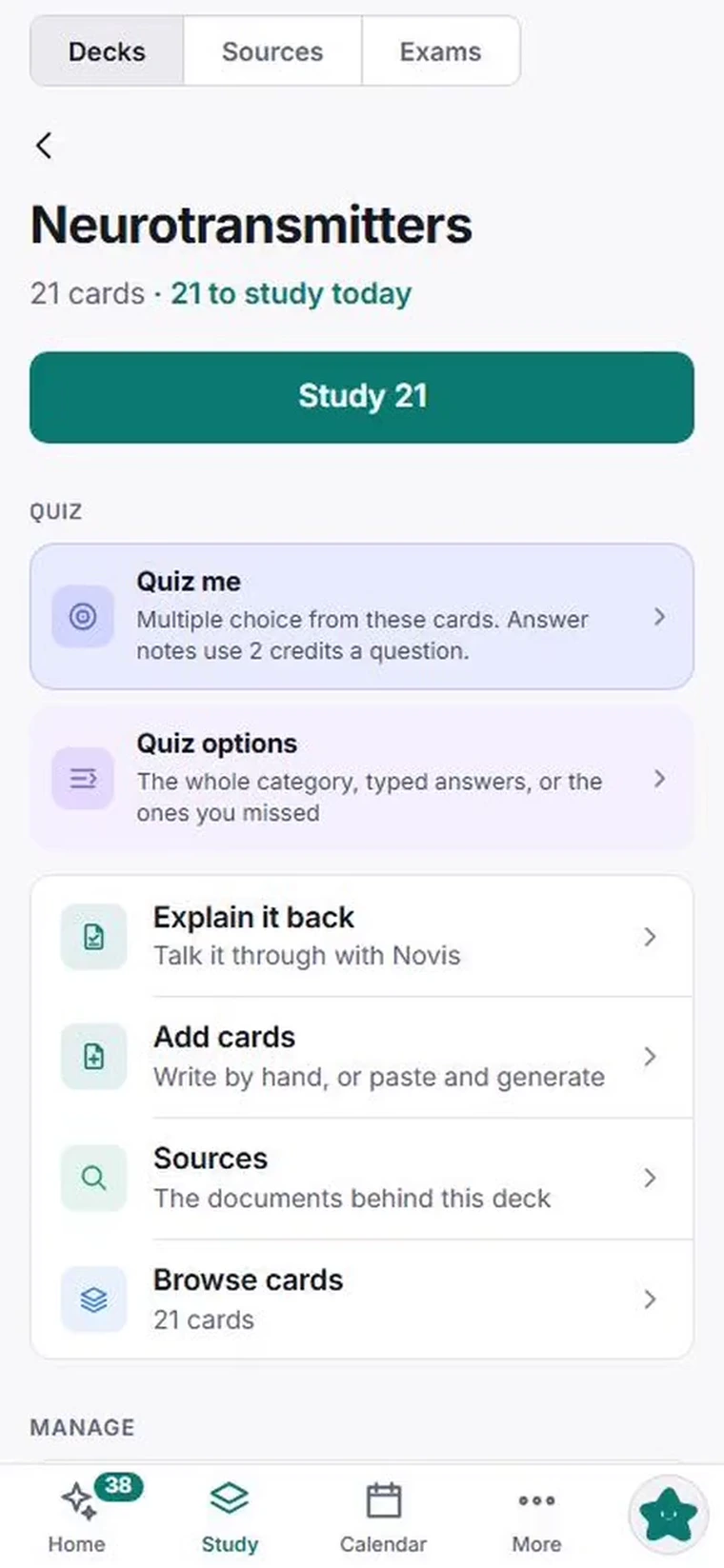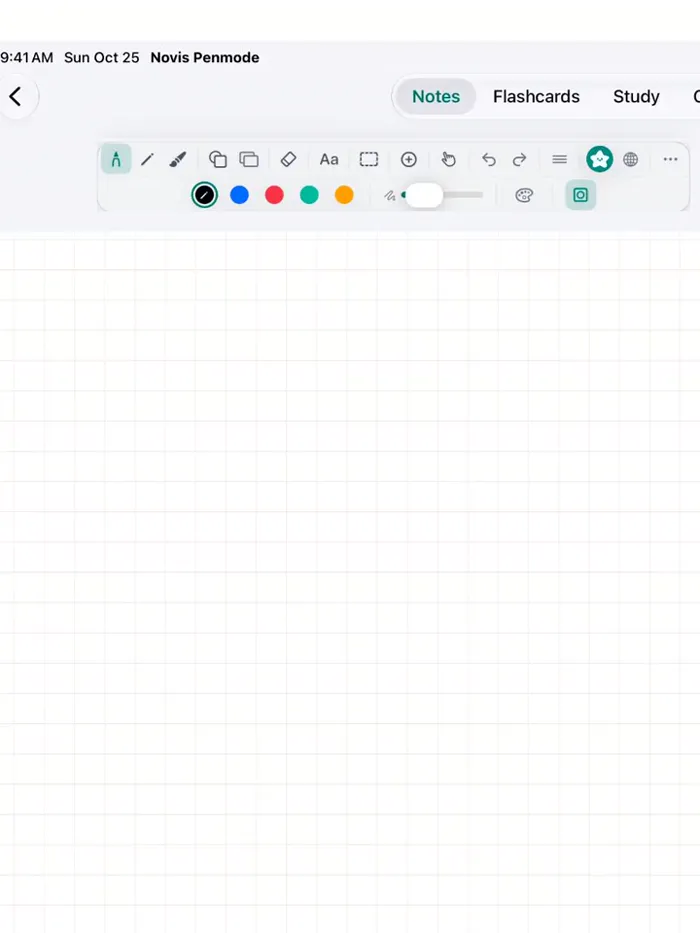
Novis is built for a big screen. It works in your mobile browser, but sources, the galaxy, and study flows are best on desktop. Get the desktop app, or open novis.study on a computer. iPhone and iPad apps are on the way.

AI study assistant · Built for retention

Tell Novis what you're studying. It builds the system.

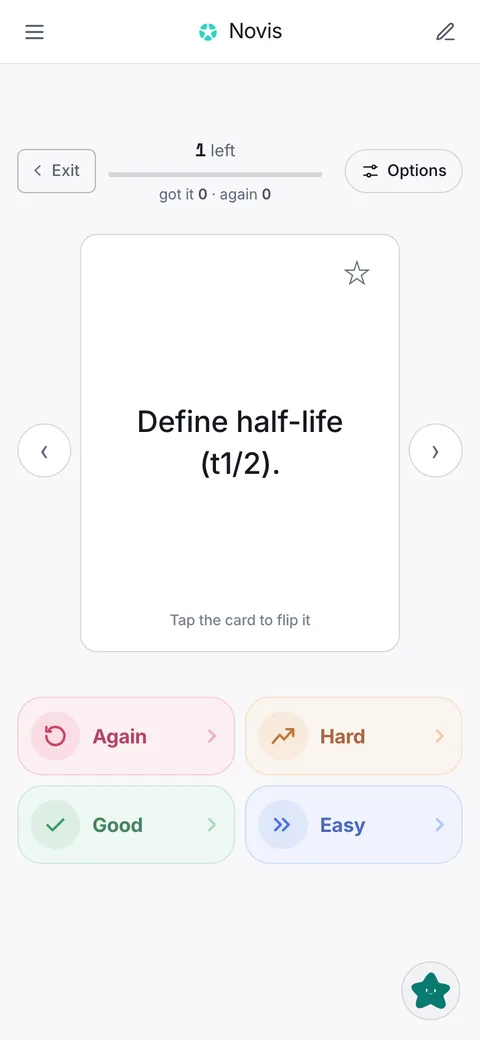
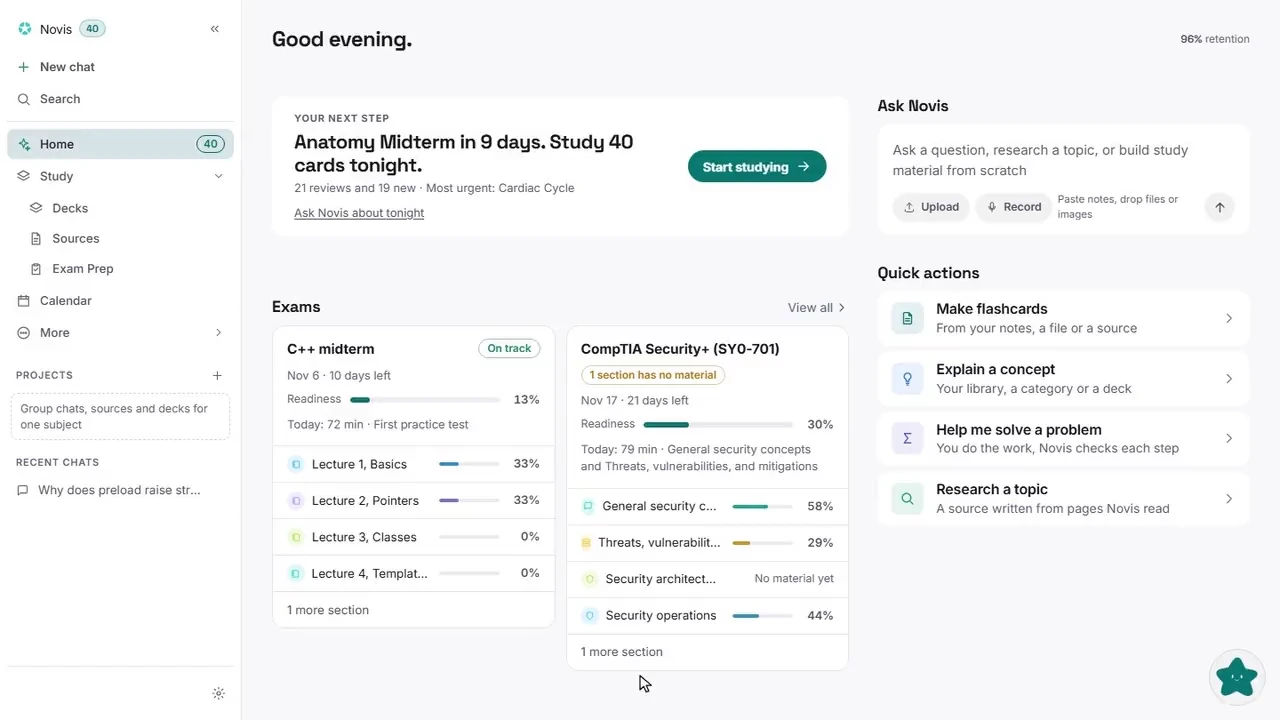
Novis turns your notes, PDFs, and documents into an organized study system: sources, decks, a spaced-repetition schedule, and a weekly plan built around your exams. Ask it what to review and it tells you.

Start free Download for Windows → Free to start, with 100 AI credits included. Use it in your browser or on the desktop. Mac, iOS, and an iPad handwriting companion coming soon.

Capabilities

Everything you need to learn it, and keep it.

One system instead of five apps stitched together. Pick any capability to see what it does and how you use it.

Assistant

Tell it what you need. It builds it.

The assistant is the front door to Novis. It reads your material, drafts the decks and sources, and proposes the plan. You stay the approver.

What it does
  • Turns a PDF, slides, pasted notes, or a topic into decks and cards grounded in that material.
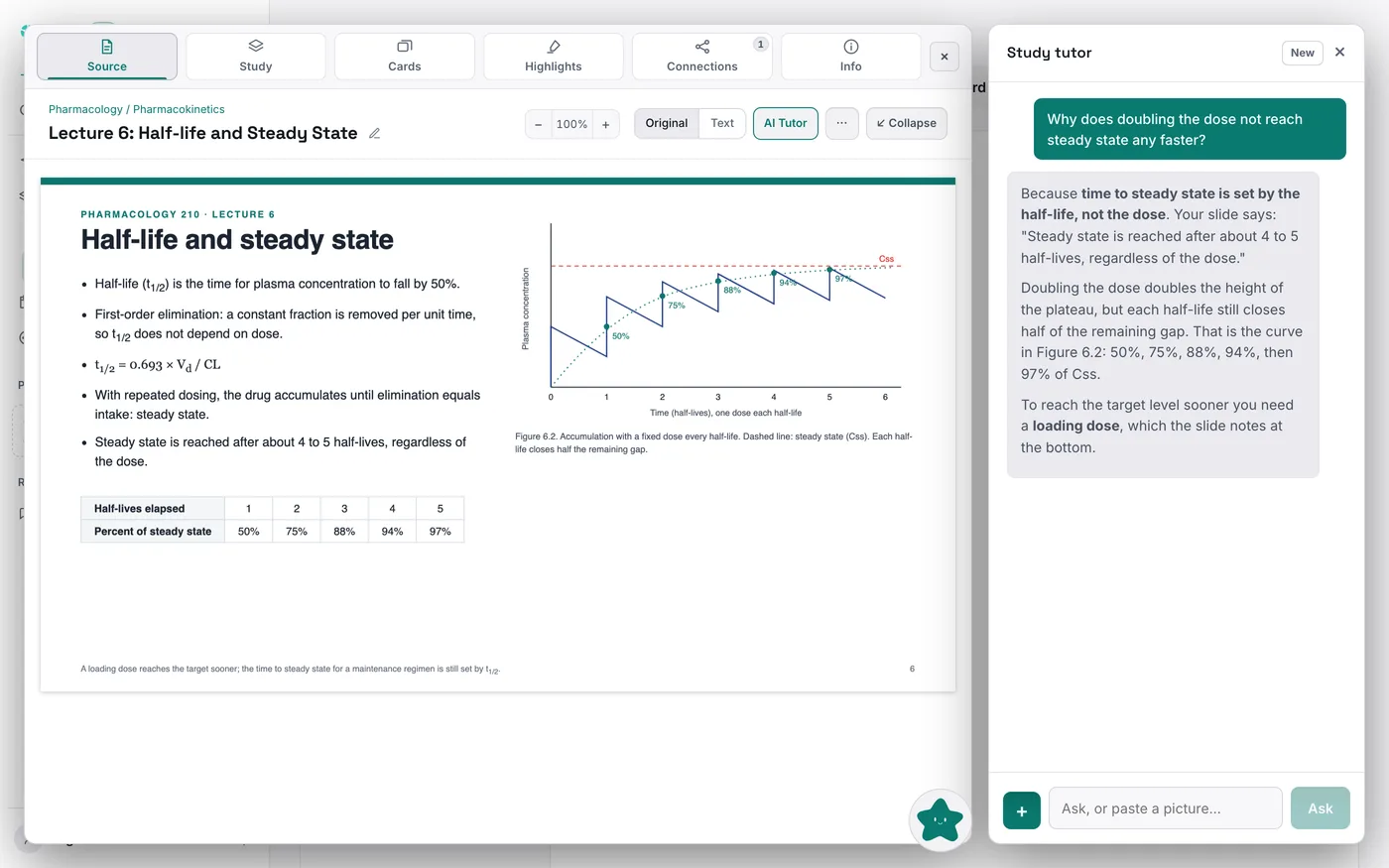
  • Answers questions about your own library with citations back to the source it used.
  • Researches the web when your library does not cover something.
  • Reorganizes the library: merge, rename, move, and clean up categories and decks.
  • Proposes a weekly study plan from your calendar, your due cards, and your weak spots.
How you use it
  • Type what you need, or drop in a file or image.
  • It returns a proposal, not a change: a summary of exactly what it wants to do.
  • Approve it and it applies. Reject it and nothing happened.
Why it helps
  • Every structural change is gated behind your approval and can be undone, so the assistant can be useful without being risky.
The Novis assistant answering a question grounded in the user's own deck

For study groups

One shared workspace for the whole group.

Study groups usually end up scattered across separate decks, a group chat, and a shared spreadsheet nobody keeps current. A Novis workspace puts the group's approved sources, decks, deadlines, and discussion in one place, while every member still reviews on their own spaced schedule and keeps their personal library private.

Shared categories, decks, and sources
Threaded group conversations
Shared exam dates, with decks delegated to the group
Study a shared deck together: flashcards, quiz, and tutor
Owner, editor, and member roles
Personal decks stay private from the shared ones
Start a group pilot Studying with other people, whether that's a class, a lab, a licensing cohort, a bootcamp, or three friends preparing for the same exam? We are setting up a few free group pilots, with hands-on setup and direct support.
Every AI change is a proposal you approve, and can undo Import from Anki, Quizlet, Obsidian. Export any time. Your cards stay yours, and stay exportable

Study with clarity.

Start free in your browser with 100 AI credits. No card required.

Downloading the desktop app? Novis is new, so Windows may show a “Windows protected your PC” screen the first time while it builds reputation. That is expected. Click More info, then Run anyway.